
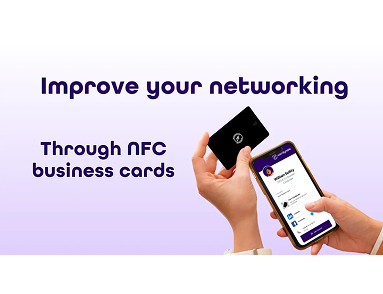
Step 1: Tap the Card
The user taps the NFC card on the back of a smartphone.
Step 2: Phone Detects the Chip
The smartphone detects the NFC chip inside the card.
Step 3: Notification Appears
A notification appears on the screen with a link.
Step 4: Open the Digital Profile
Once clicked, the digital profile opens instantly.
No App Required
One of the best parts of NFC cards is that no mobile app is required.
Most modern smartphones support NFC technology.
Time Required
The entire process takes less than 2 seconds.